
Viewing Your Submitted Reports
1. To view reports you have previously submitted, start by clicking "New Report".
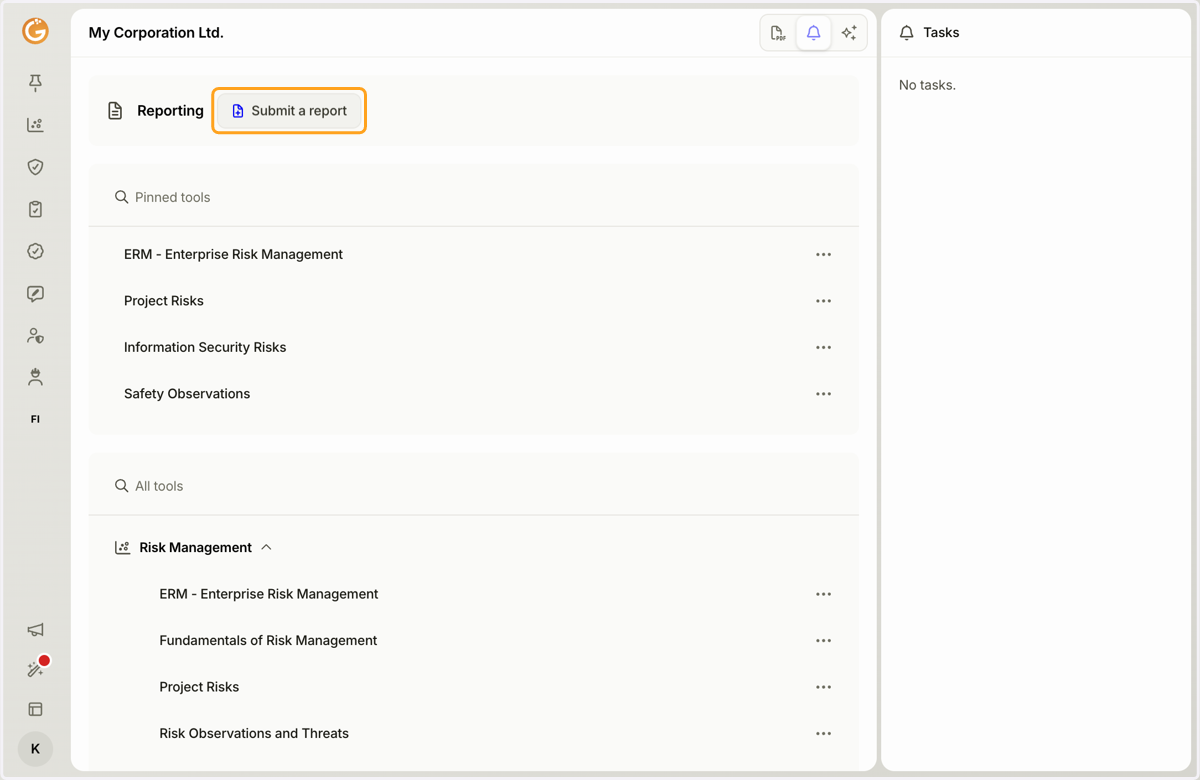
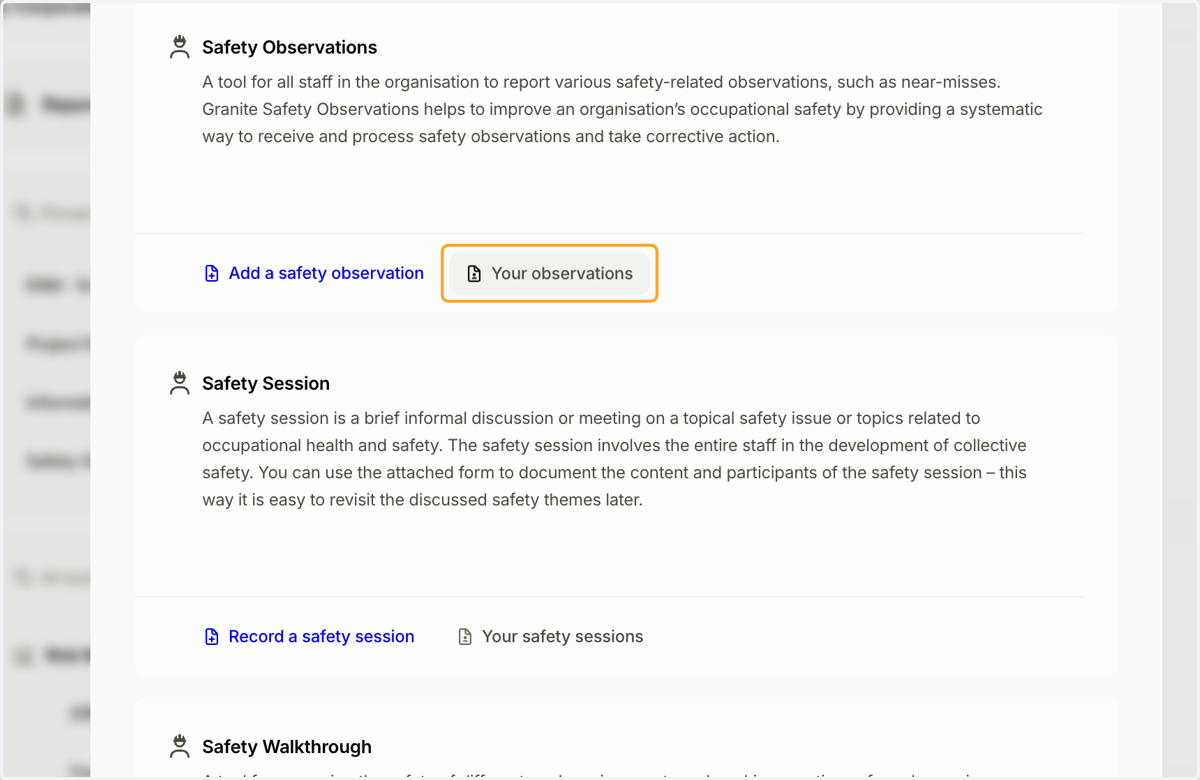
2. Select the tool containing the reports you want to view.
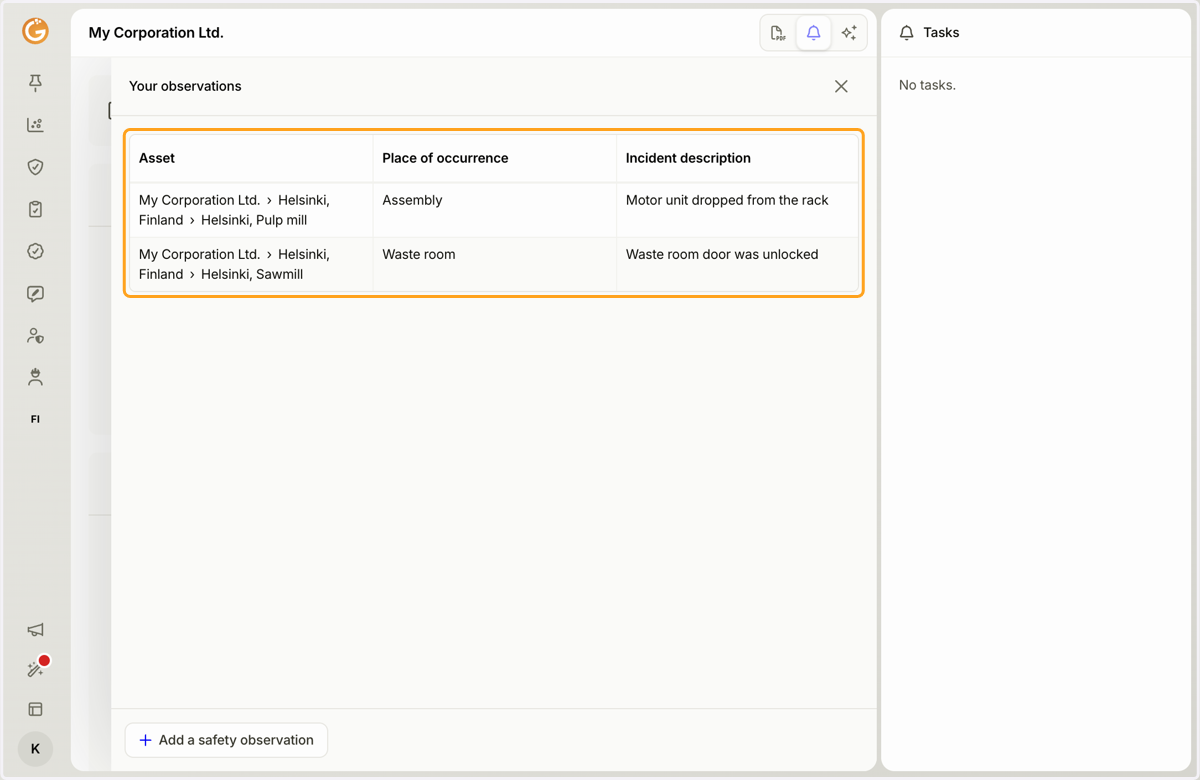
3. You will see a list of all the reports you have submitted. Click a report in the list to open it.
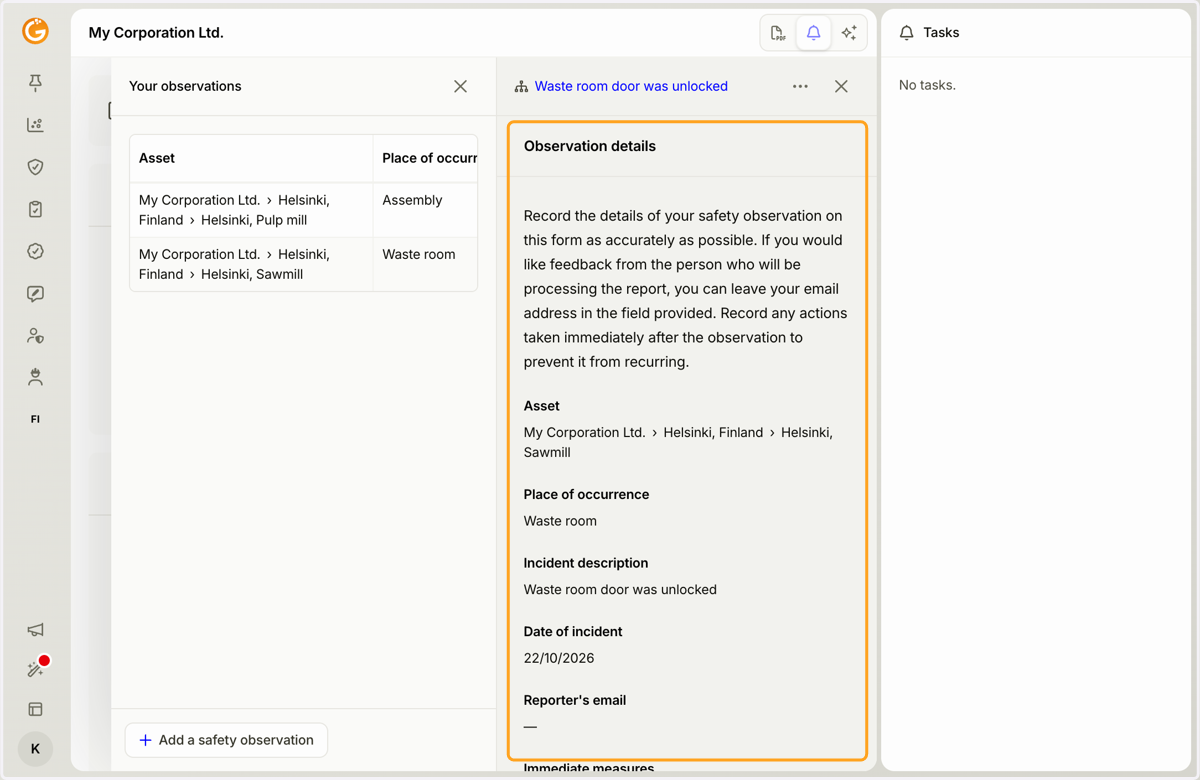
4. The report form displays the details of your submitted report.
Updated on: 22/10/2026
Thank you!