
Generating a PDF Report
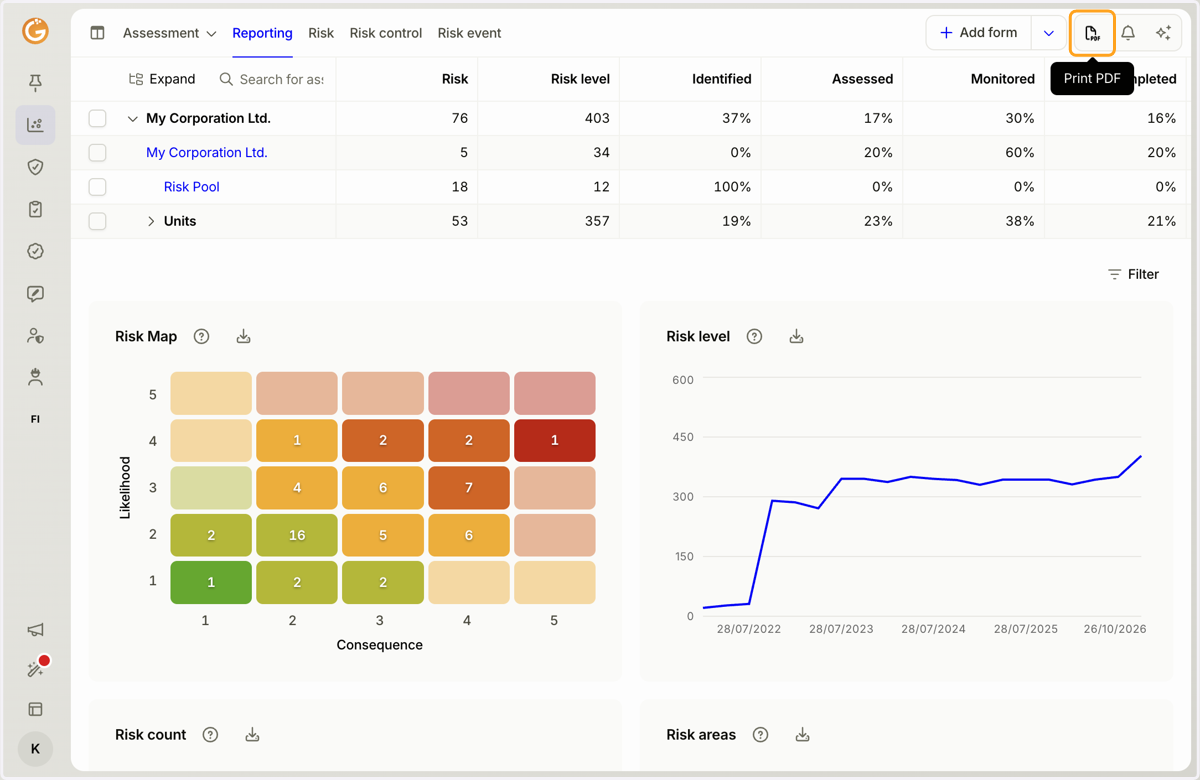
1. Click the "Print PDF" button.
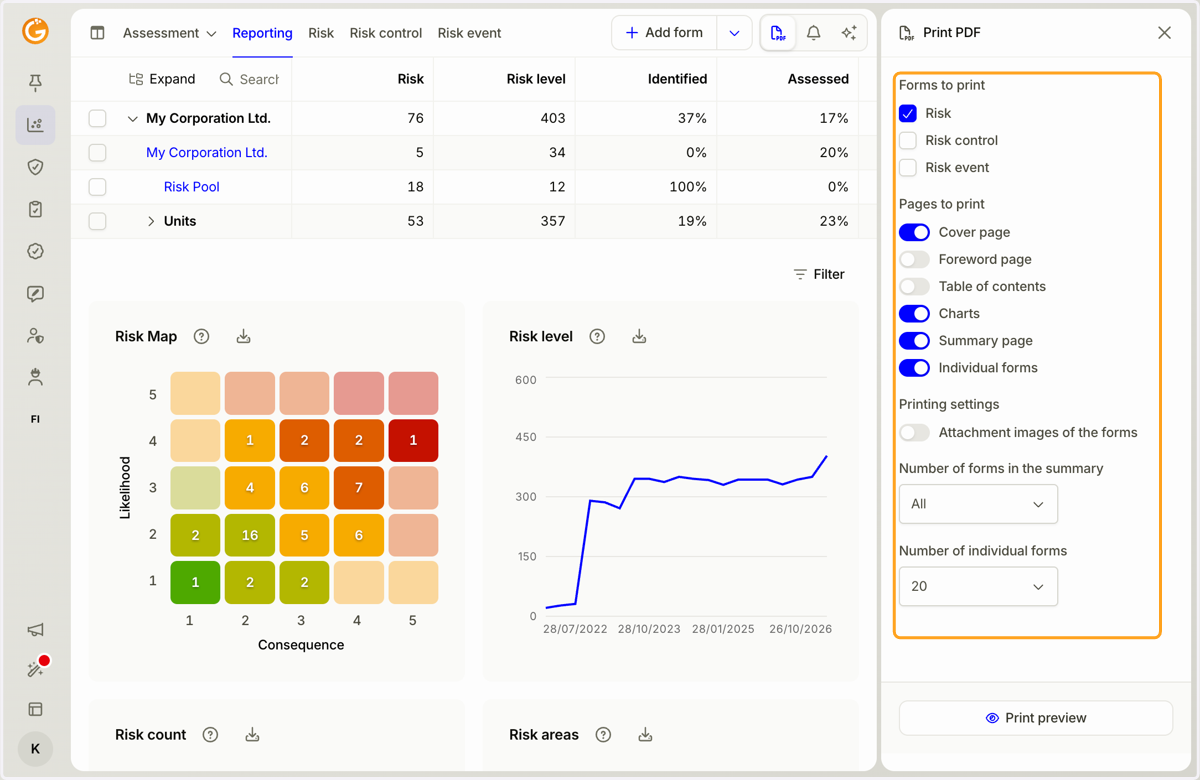
2. Select the information you want to include in the PDF report.
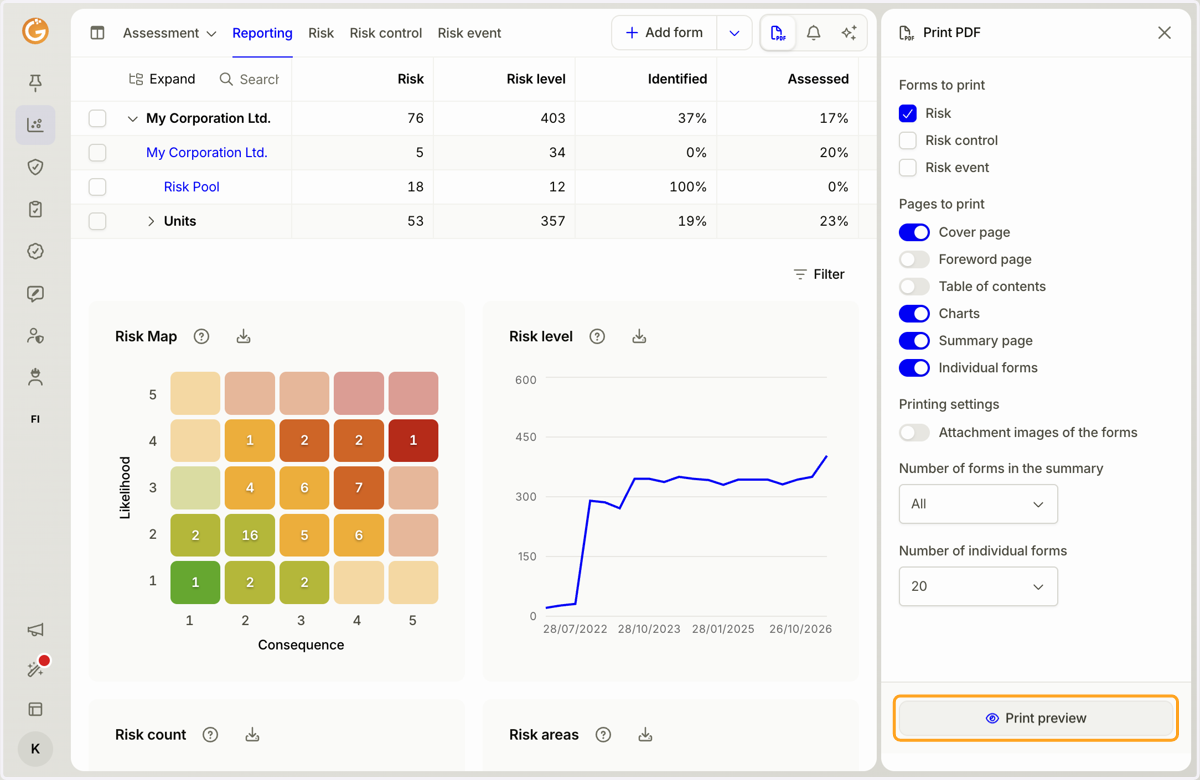
3. Click the "PDF Preview" button.
4. Review the PDF report settings and layout, then click the "Print PDF" button.
You can also adjust your selections in preview mode using the menu on the right-hand side.
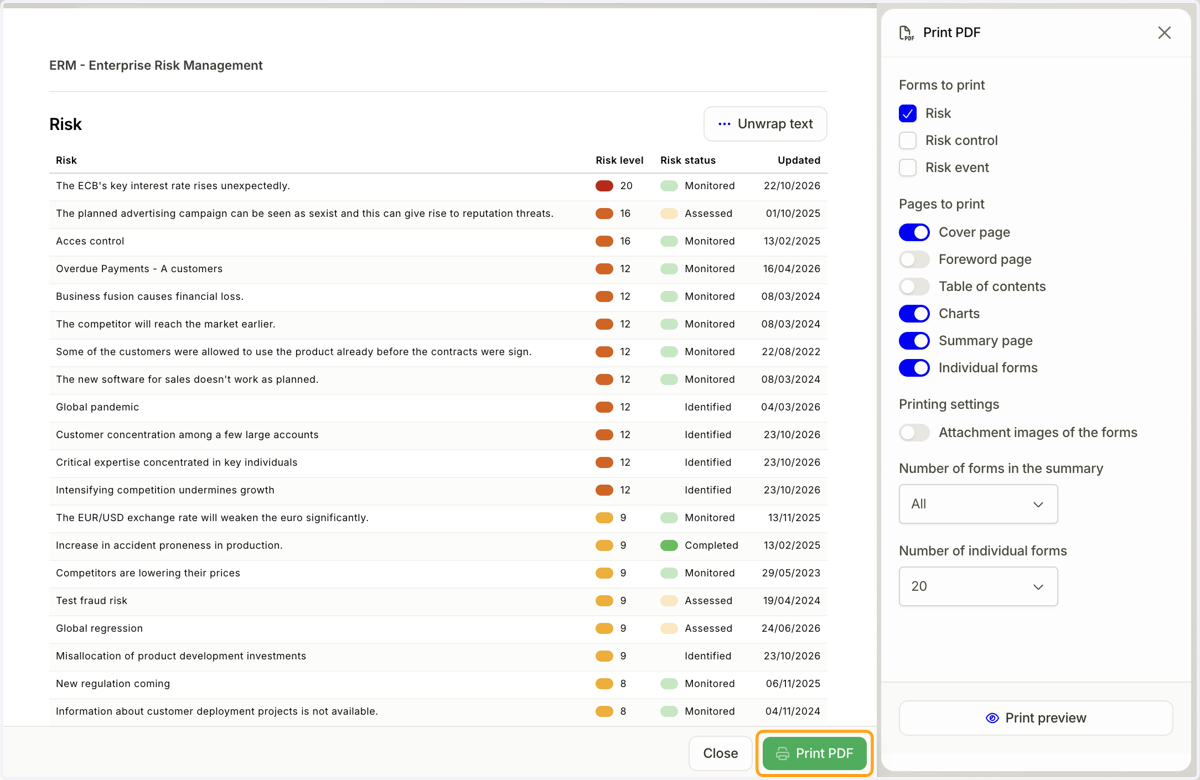
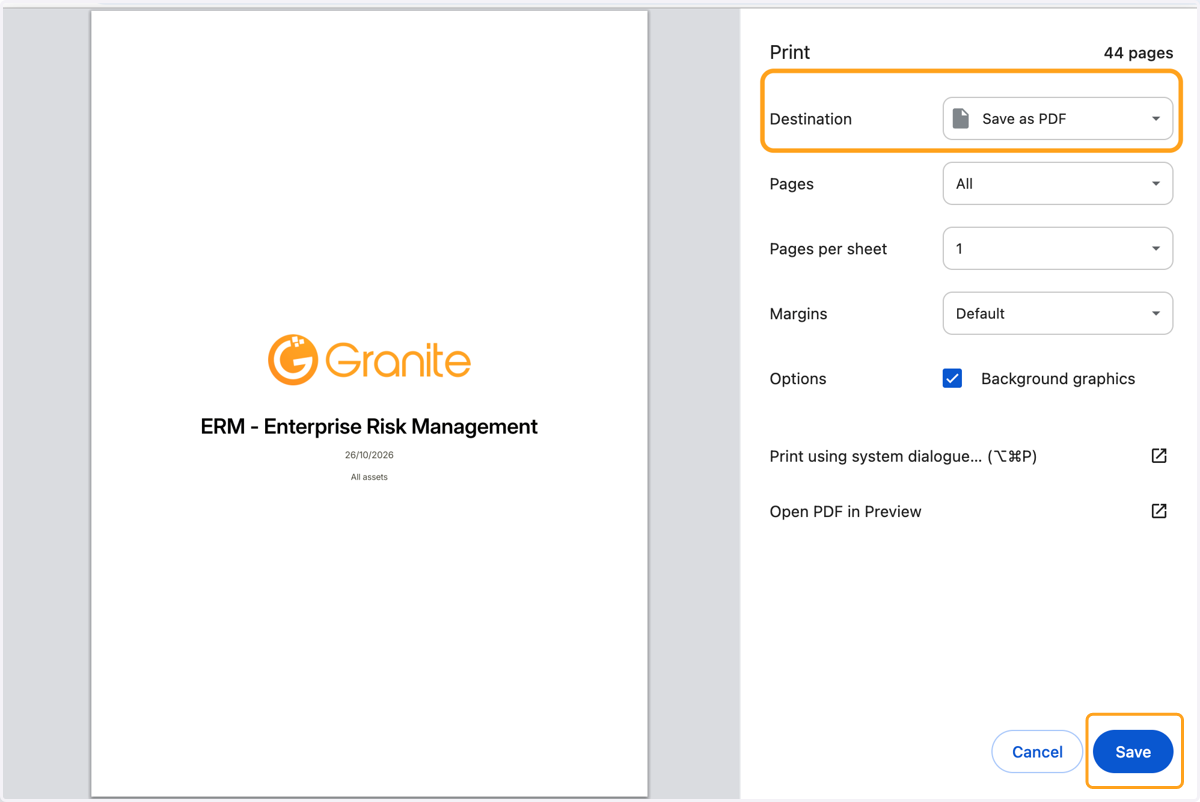
5. Choose whether you want to print a physical copy of the report or save it as a PDF file on your device. Finally, click the "Save" or "Print" button.
Updated on: 26/10/2026
Thank you!