
Using Chart Features
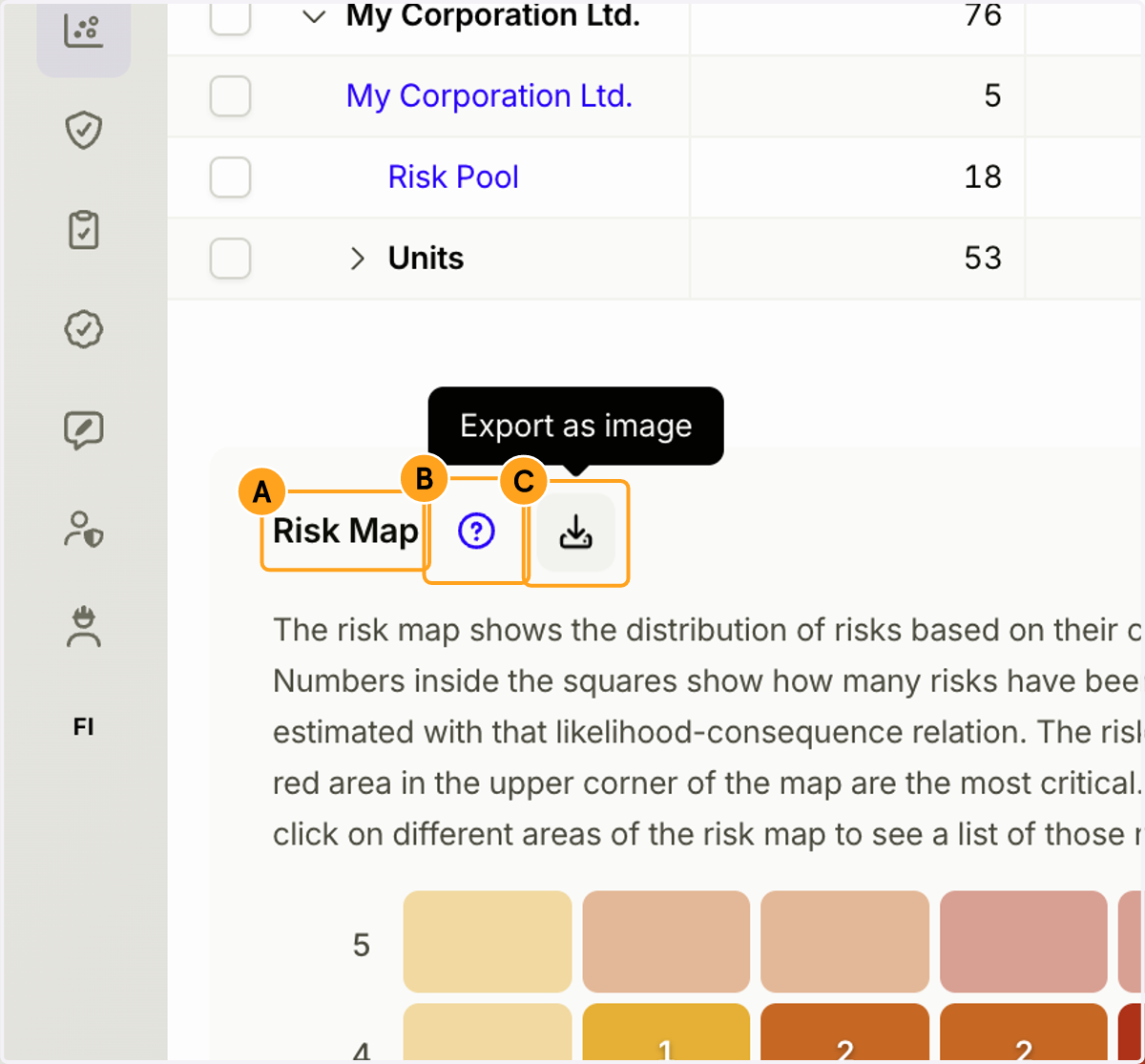
1. A. You can rearrange charts by dragging them from their titles.
B. Click the question mark (?) icon to view instructions and information related to the chart.
C. Click the "Download Image" button to download the chart as a PNG file.
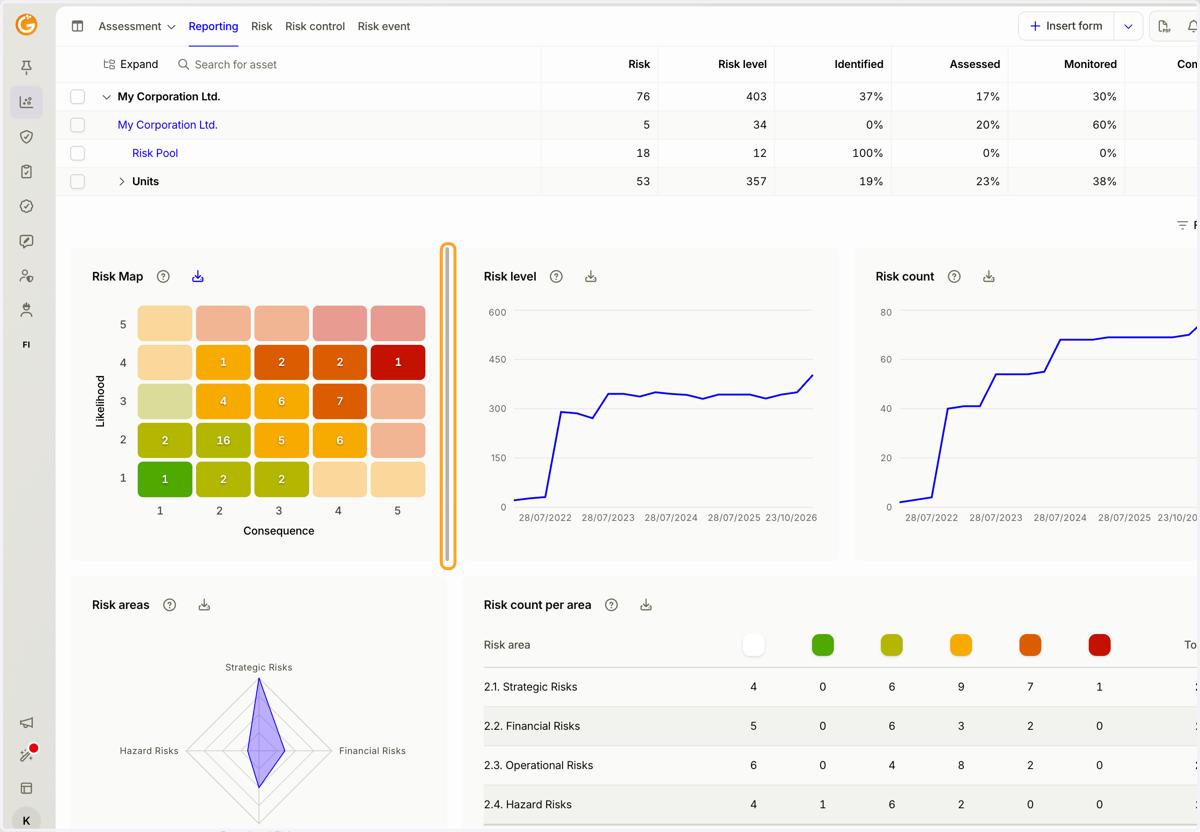
2. You can adjust the width of a chart by dragging its edge.
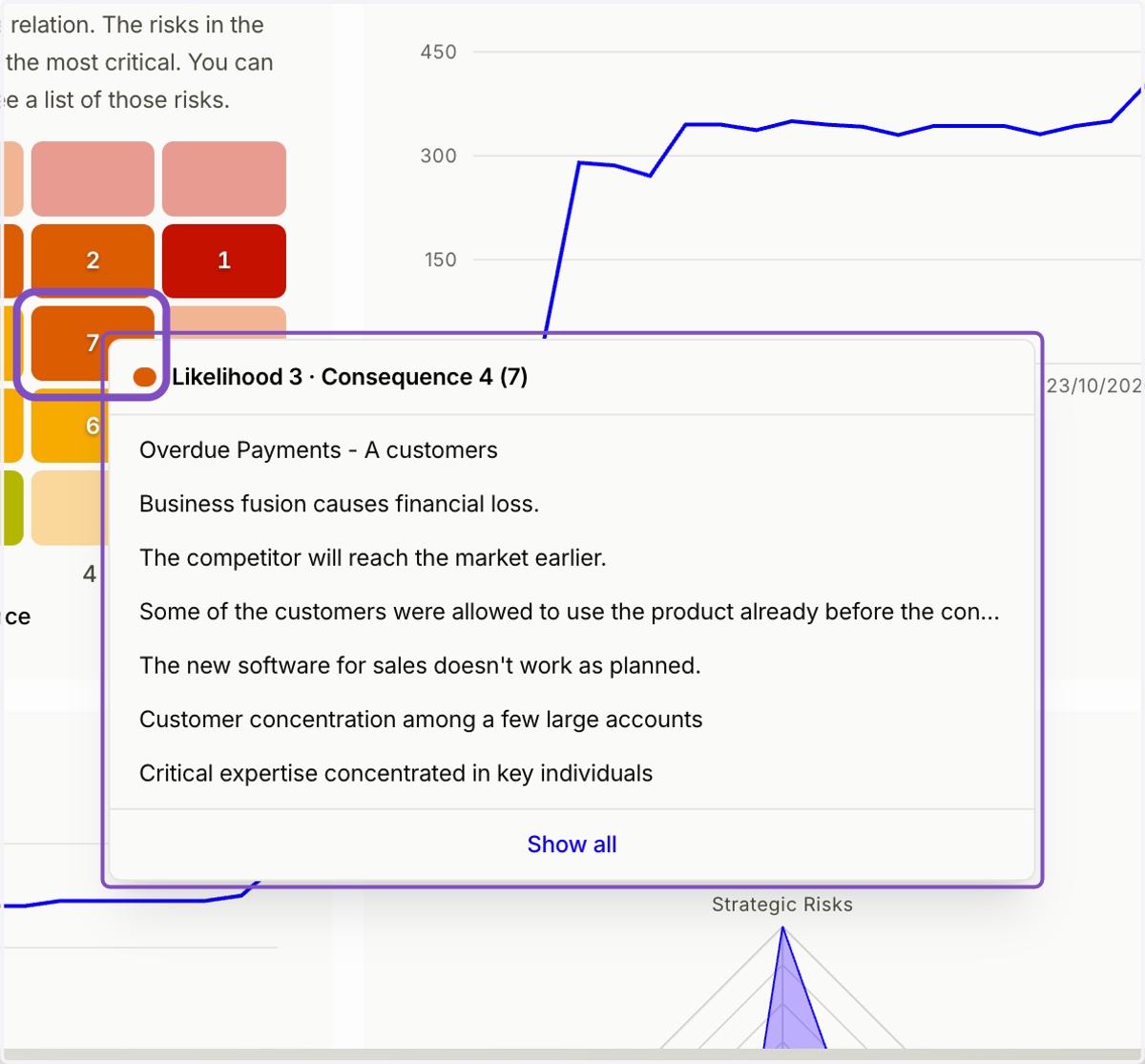
3. Click an individual cell in the risk matrix to display a list of the risks within that cell.
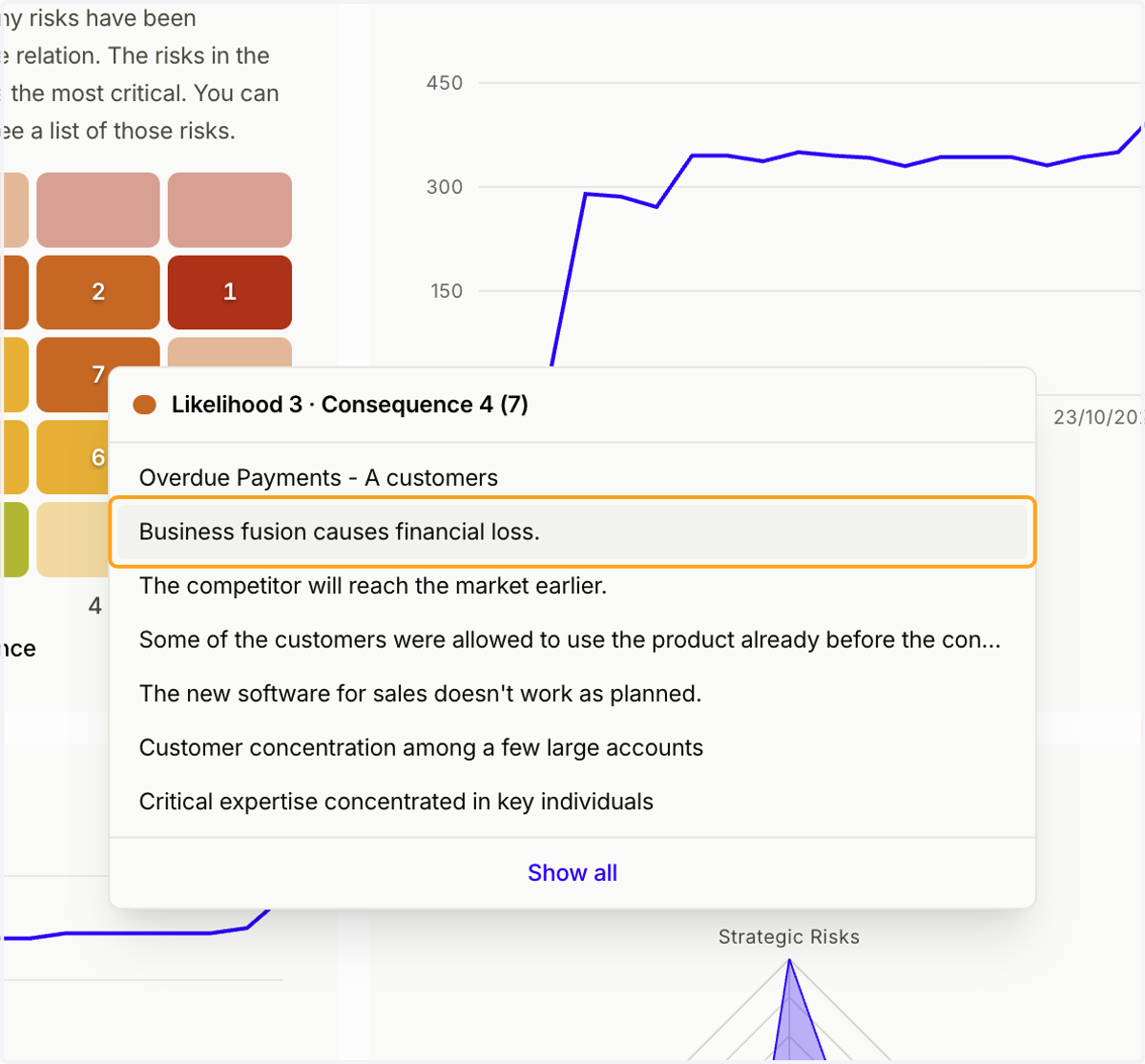
4. Click a row in the list to open the corresponding risk for a closer look.
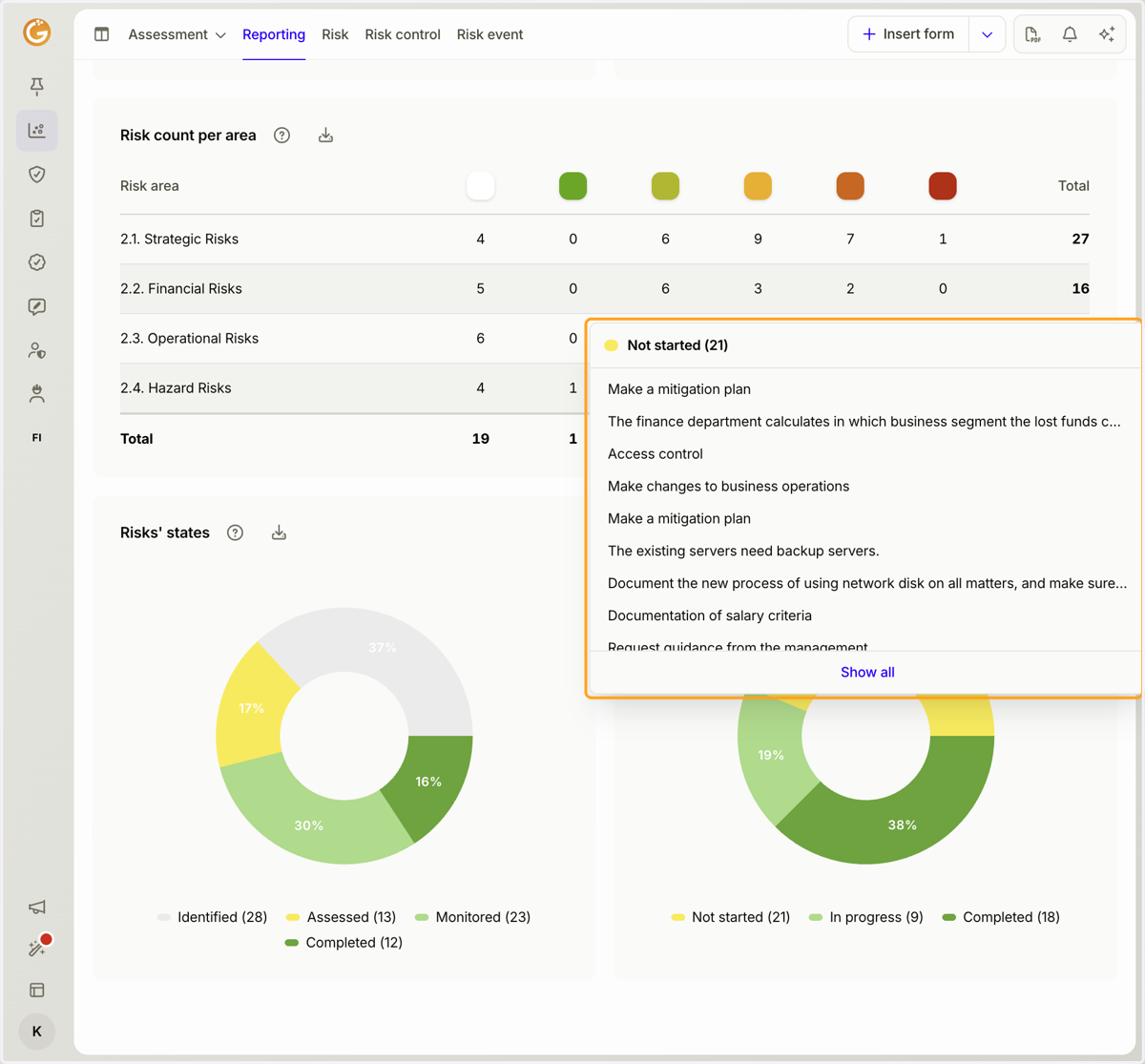
5. Click a segment of a pie chart to display a list of the forms included in that segment.
Updated on: 23/10/2026
Thank you!