
Exporting Form Lists to CSV or Image
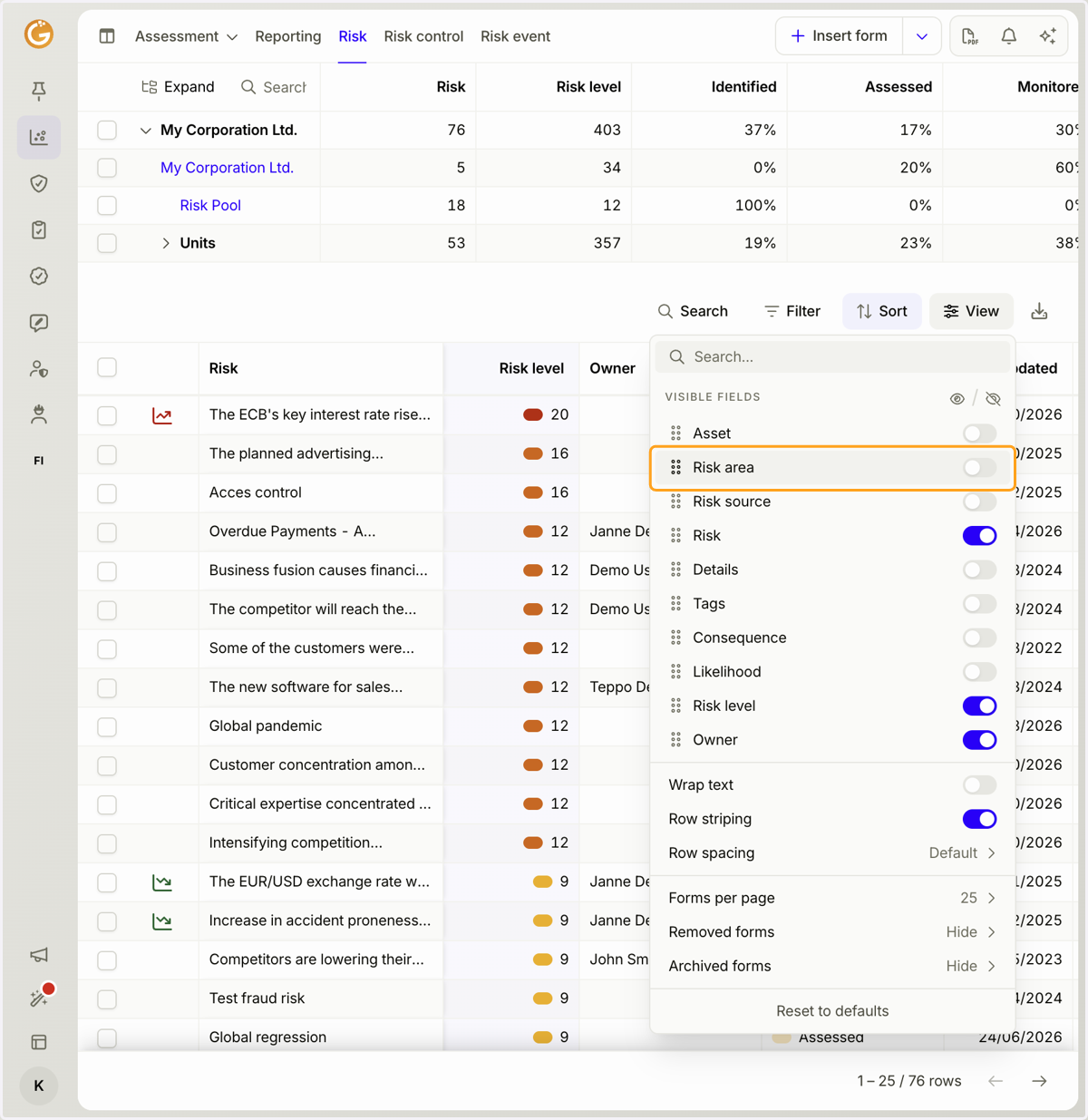
1. Start by clicking the "View" button and selecting which columns you want to display in the form list.
Only the columns selected in the current view will be included in the exported CSV or image file.
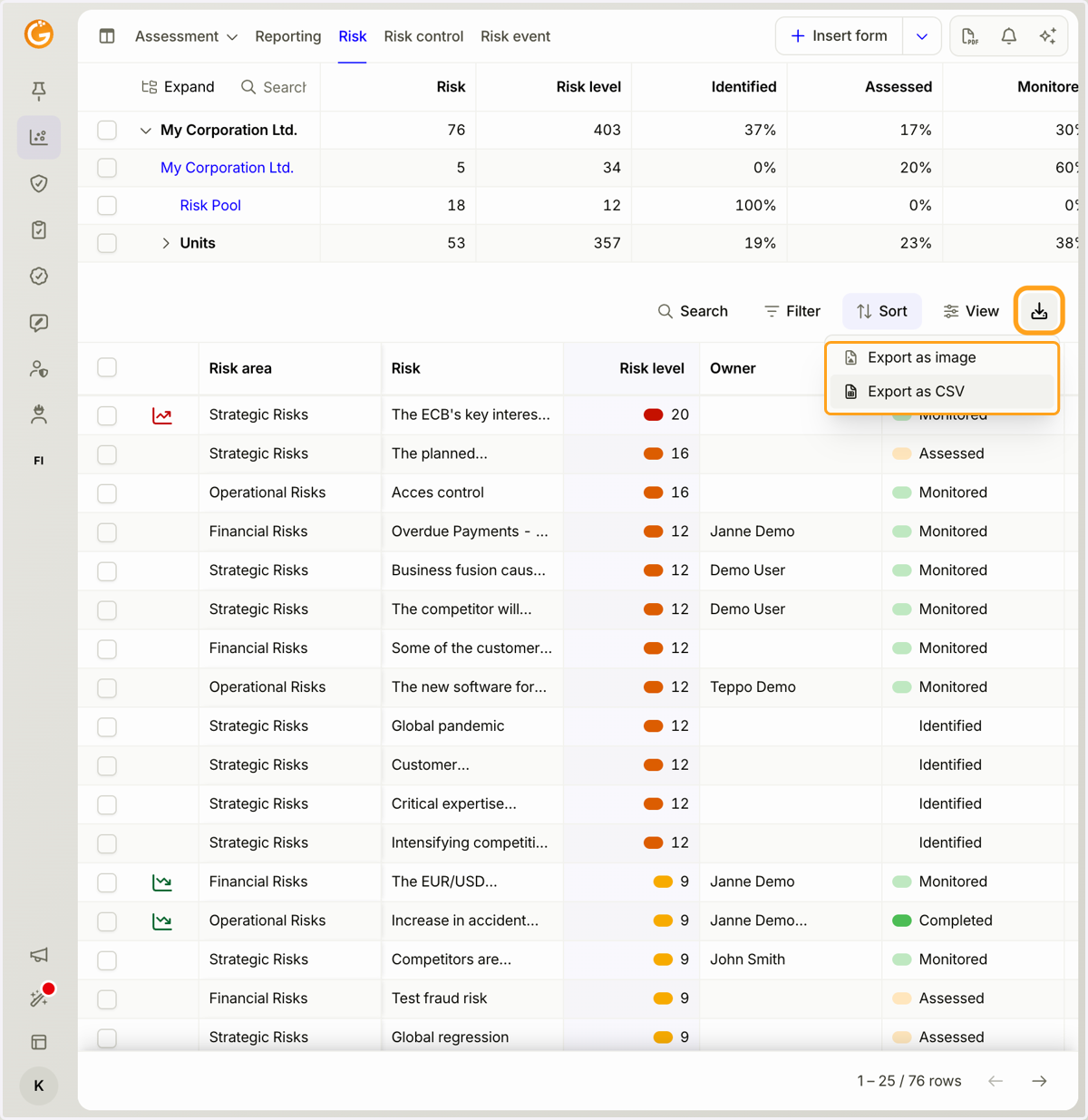
2. Click the download icon and choose whether you want to export the form list as a CSV or image file.
Updated on: 23/10/2026
Thank you!