
Using Granite AI
Granite AI is available with the Granite Enterprise platform and must be enabled separately. Access to Granite AI is managed through a dedicated permission, allowing organizations to restrict its use to selected users.
Granite AI can be accessed directly from any form list or individual form. In other views, users must select which form they want Granite AI to analyze.
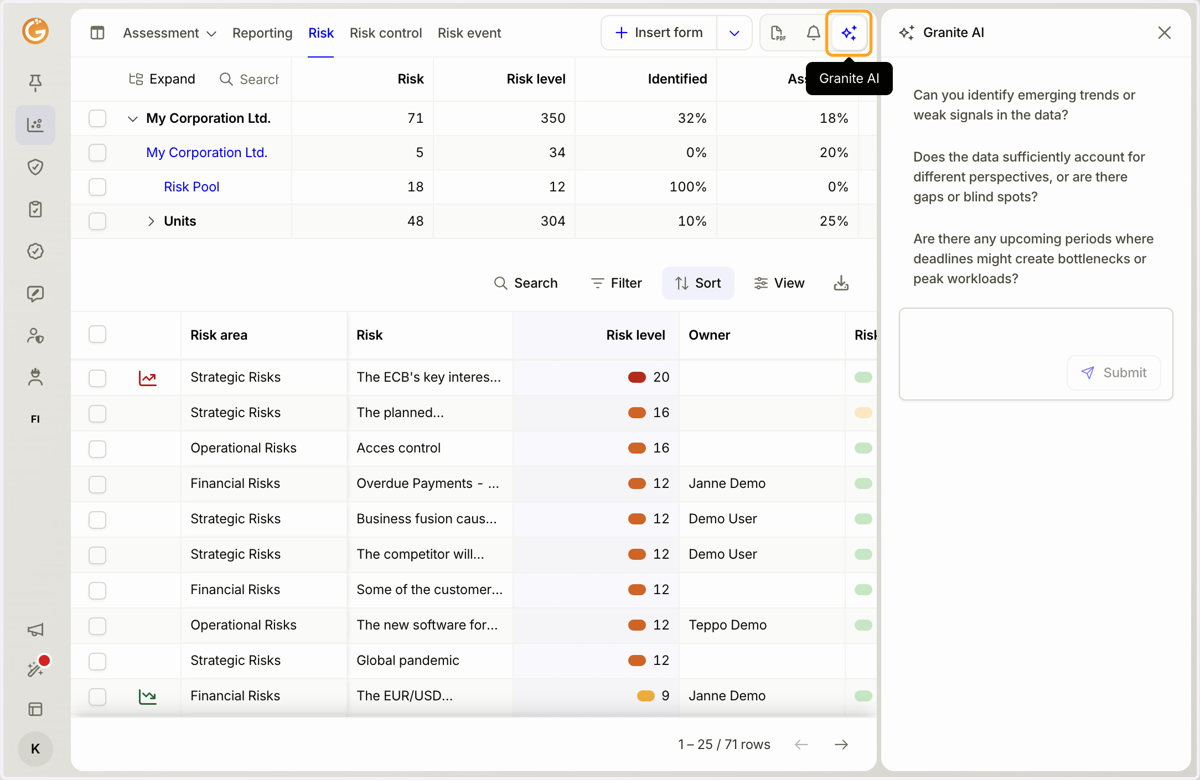
1. In the form list view, click the Granite AI button in the top-right corner to open Granite AI in the right-hand sidebar.
You can ask Granite AI your own questions or use the pre-generated questions.
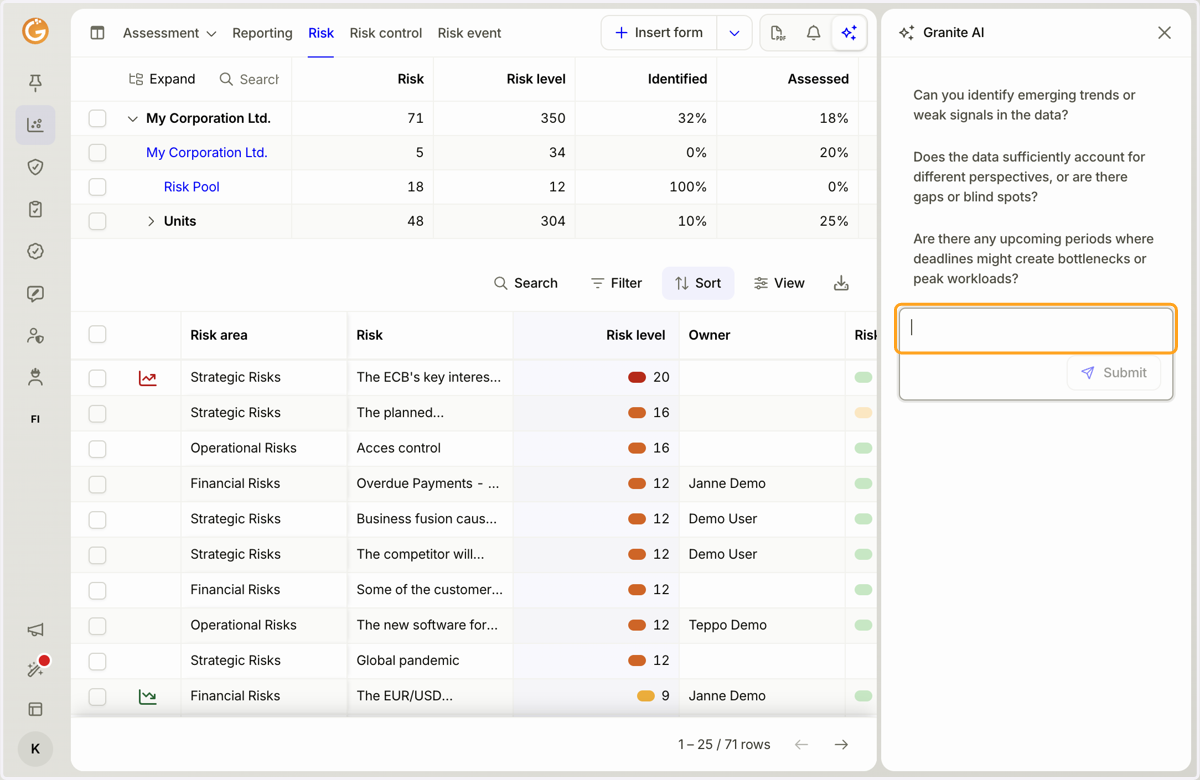
2. Granite AI works the same way when viewing an individual form, but it only analyzes the currently open form.
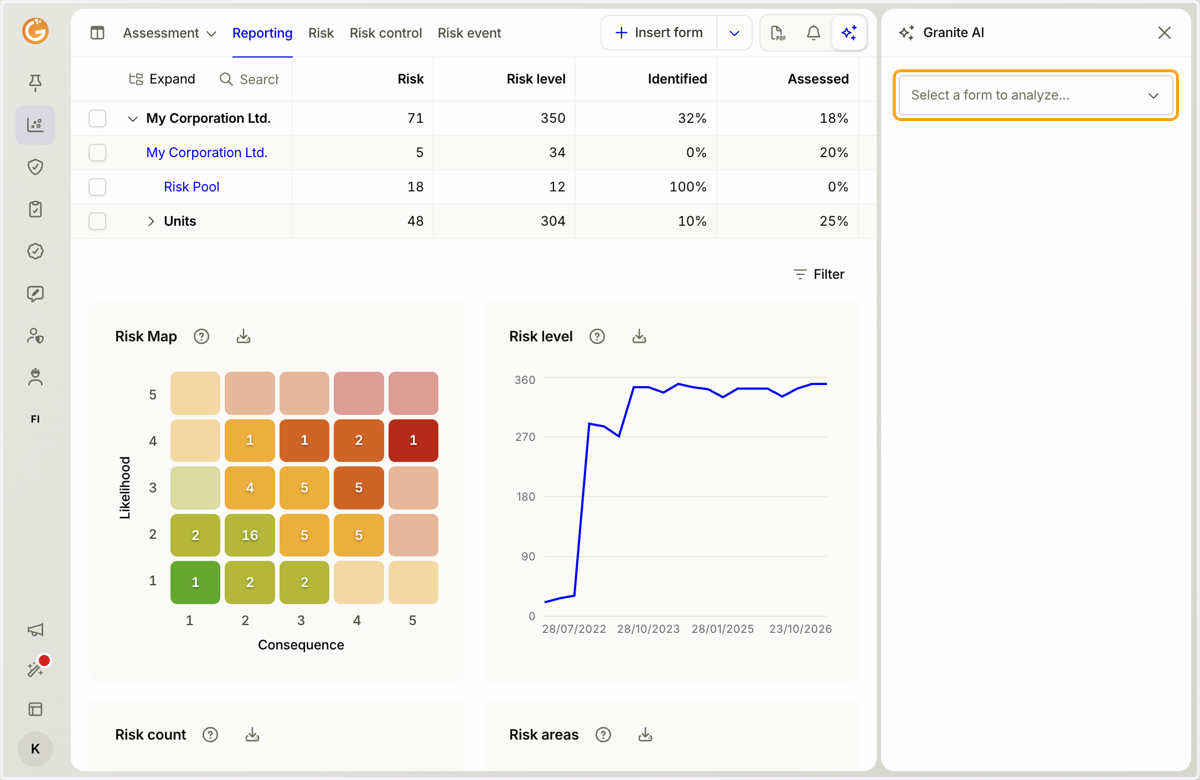
3. If you open Granite AI from a view other than a form list or an individual form, you must select which form you want Granite AI to analyze.
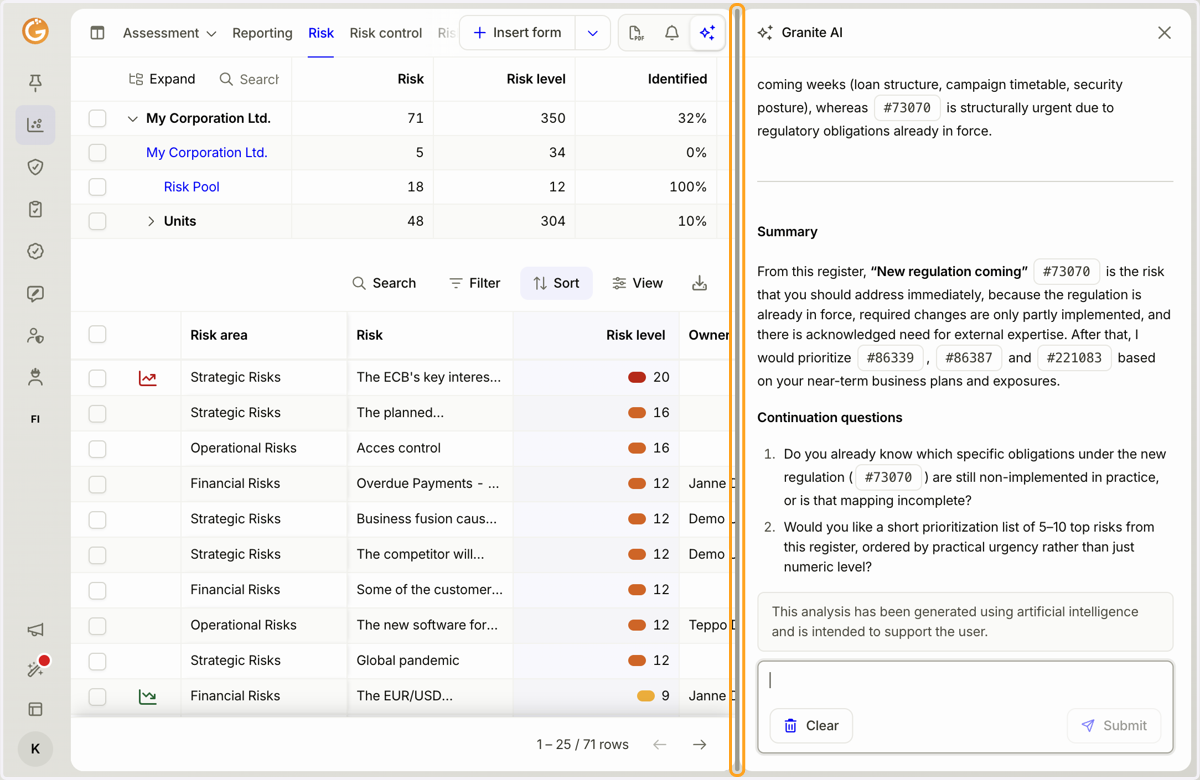
4. You can adjust the width of the Granite AI panel by dragging the edge of the sidebar.
Updated on: 23/10/2026
Thank you!